Vision
Seeing is only part of the challenge.
The rest is making computer vision work on your hardware, in your lighting and from where your camera is mounted. That's where our engineers help.
Last updated
Problem
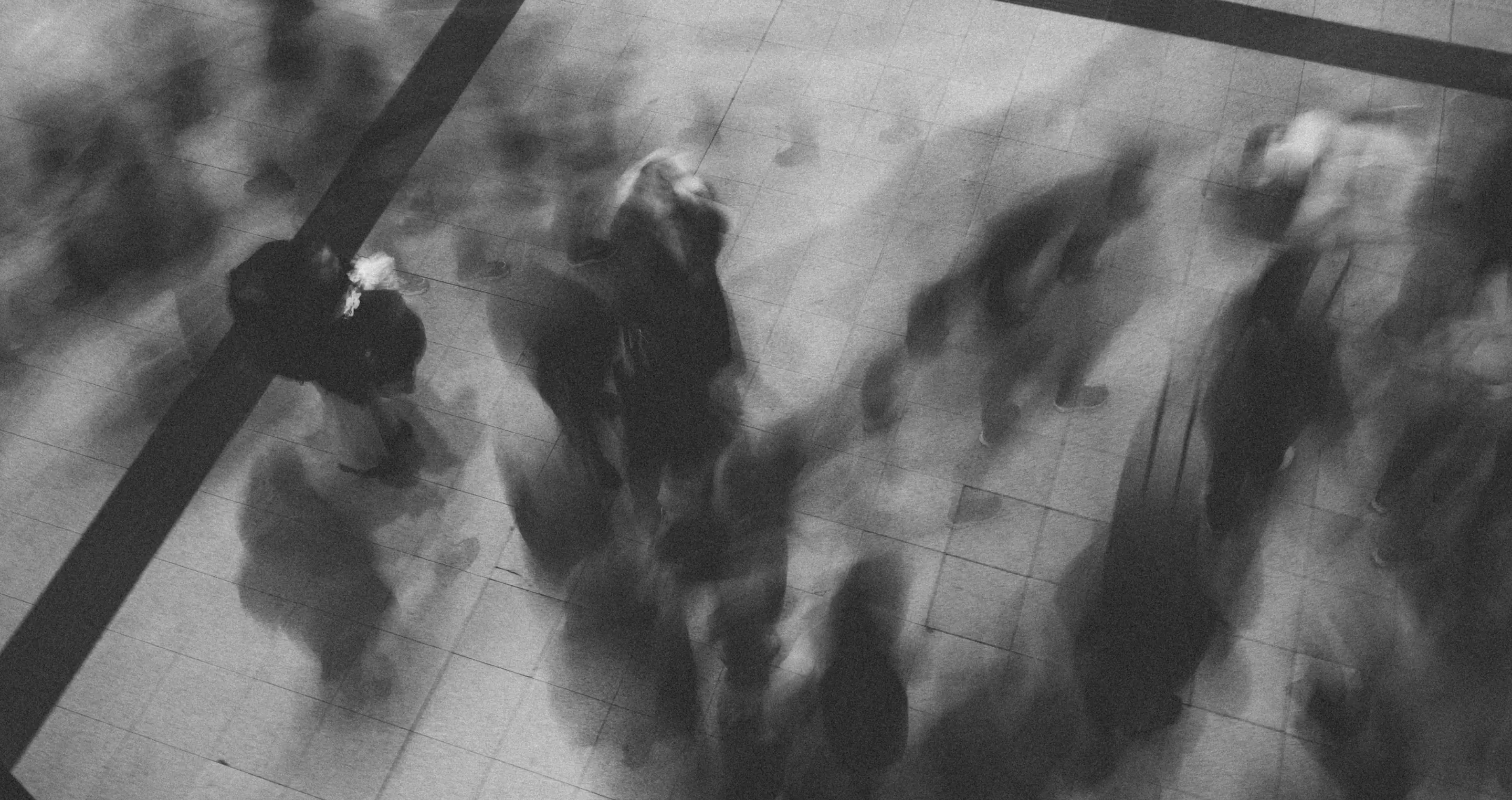
Why real scenes are harder than the lab
Lab tests prove a model can detect. Real installations are harder, because light, camera position and the people in view keep changing.
Changing light
Daylight, shadows, glare and darkness change what the camera sees through the day.
Every camera sees differently
Mounting height, angle and lens change how people and objects look.
People don't pose
In the field, people move, turn away and hide behind each other.
Limited compute
Everything has to run on an embedded processor, within its power and memory.
| In the lab | In the field | |
|---|---|---|
| Lighting | Controlled | Changes through the day |
| Camera position | Known and fixed | Wherever it can be mounted |
| People in view | Cooperative | Moving, turning away, hidden by others |
| What it proves | A model can detect | The product works where it's installed |
- Understand
Understand your scene
We start from your camera’s view, its lighting and the result your product needs.
- Tune
Tune for your conditions
We adjust the model to your camera angle, your lighting and the people or objects in view.
- Validate
Validated with your footage
We check results with video from your own site, not only from the lab.
Features
Computer vision that fits your product
All three come with every use case.
On-device AI
The AI runs on the device itself, so every frame is analysed where it's captured.
Works with your camera
Takes video from a camera module, a USB camera or an existing video feed.
People and objects
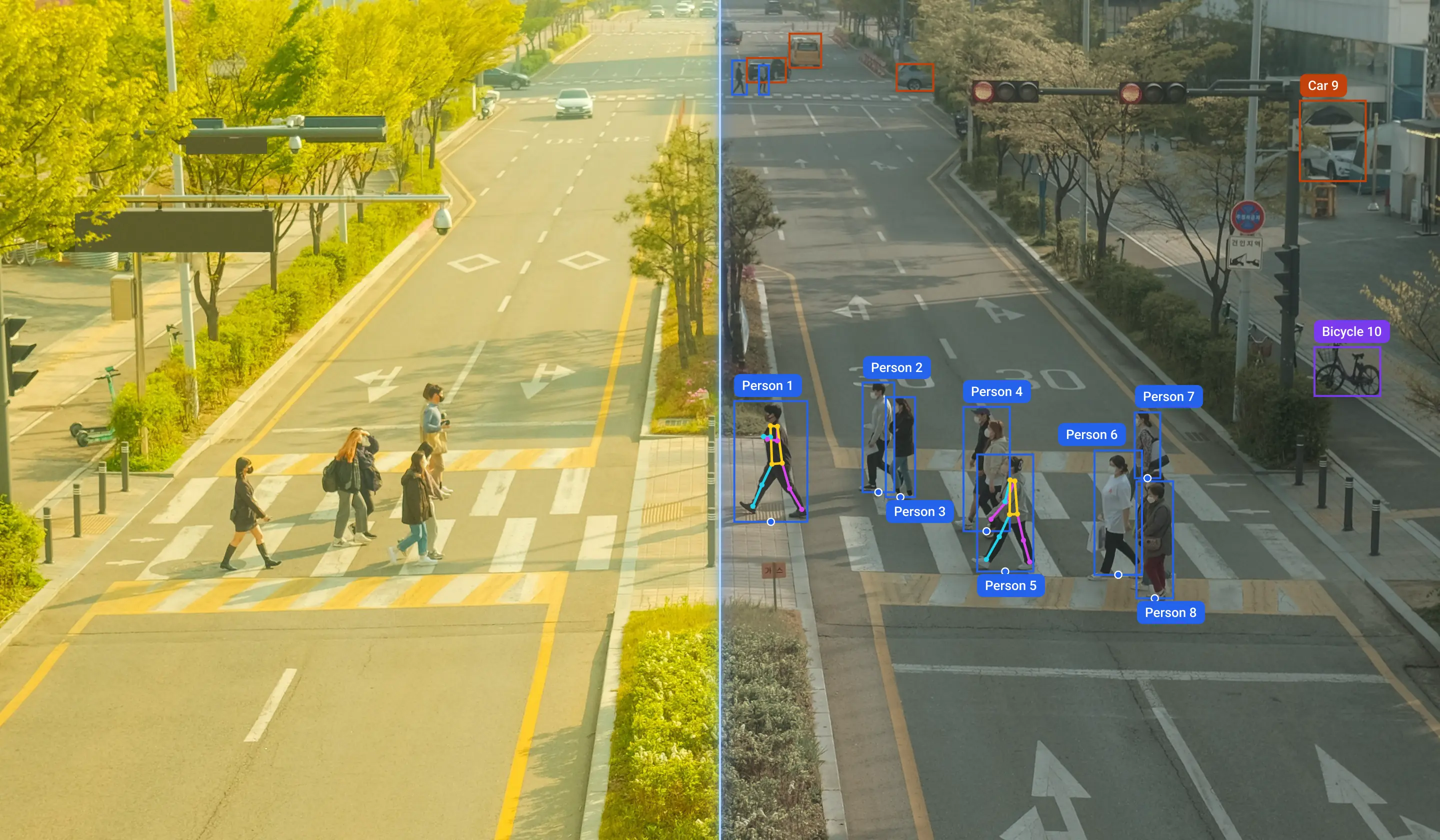
Models that find people and objects, follow them as they move, and read poses and expressions, as each use case needs.
Your system: Scene
The people and objects in view.
Your system: Camera
The camera in your product, or an existing feed.
Our solution: Detection
Finds people and objects in each frame.
Our solution: Analysis
Turns detections into the result your product needs.
Your system: Your response
Your alarm, dashboard or display.
Use cases
Different scenes, one approach
Counting people at a door and spotting a drowsy driver are different problems, so we develop each use case for its own scene.
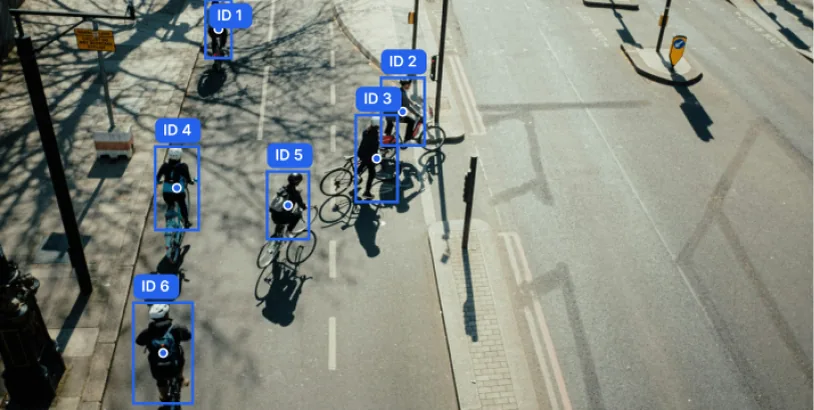
Object tracking
Detects the objects you choose, tracks each one and counts those in a zone or crossing a line.
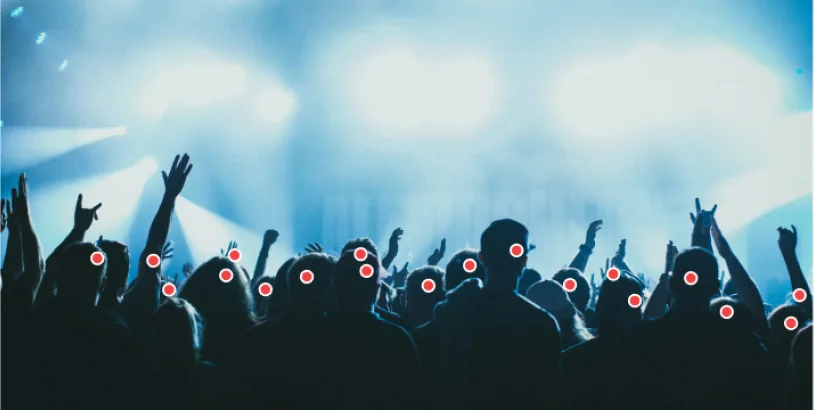
Crowd counting
Estimates crowd density to count heads, and alerts you when the crowd reaches your limit.
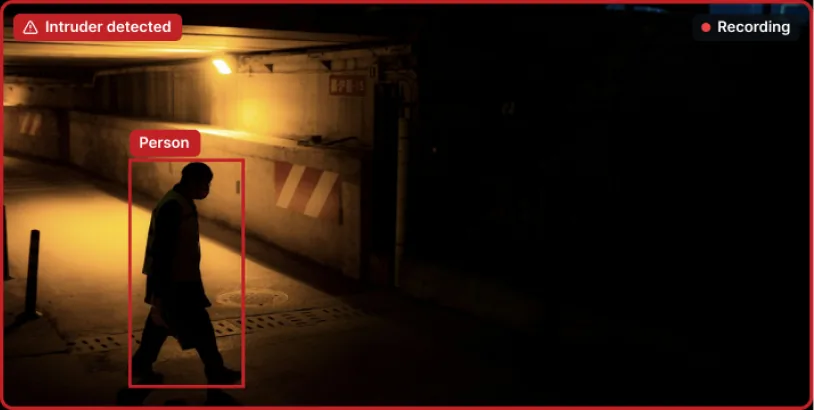
Intrusion detection
Person detection raises an alert when someone enters the area, and records a clip of each event.
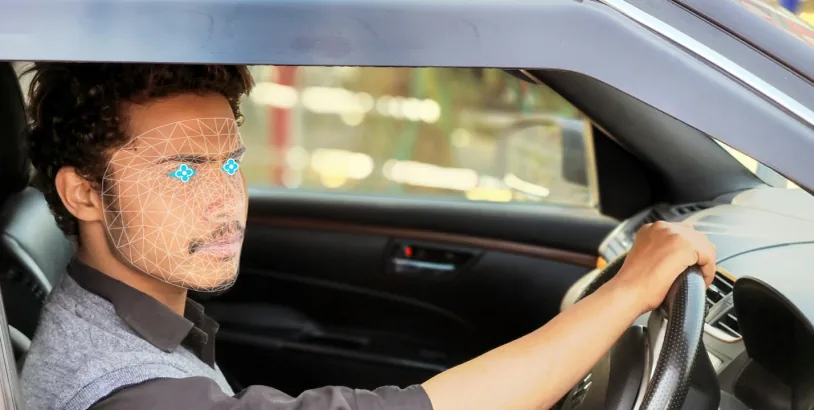
Driver monitoring system
Tracks head pose and eye state to score drowsiness and distraction, and spots phone use and smoking.
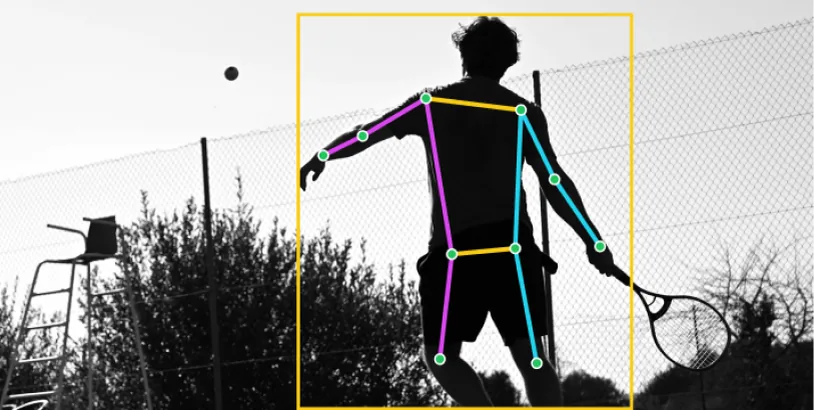
Tennis pose estimation
Estimates the player's pose and reads each movement over time to count forehands and backhands.
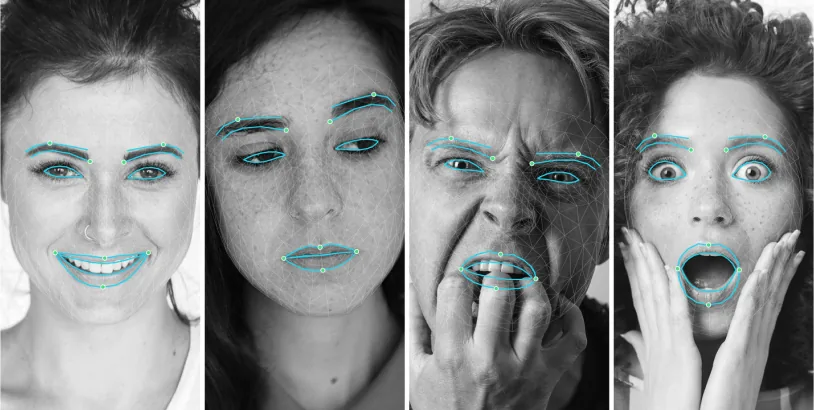
Emotion tracking
Classifies expressions as happy, sad, angry or surprised, so your product can respond.
Evaluation
Interested in this solution?
Get in touch with our engineering team to evaluate it for your system.
Qualification note placeholder: the legal qualification for this solution, kept word for word on each of its pages.
Other solutions
More from our engineers
We take the same approach to arc faults, audio and depth sensing.